Buildup & riser effect · VST3
One knob.
The whole buildup.
Building tension into a drop usually means automating a filter, a reverb send, a delay, a noise sweep and the stereo width, then lining them all up. Nil2Max does it with one knob.
Windows 10/11 · VST3 · Full-featured demo, no time limit
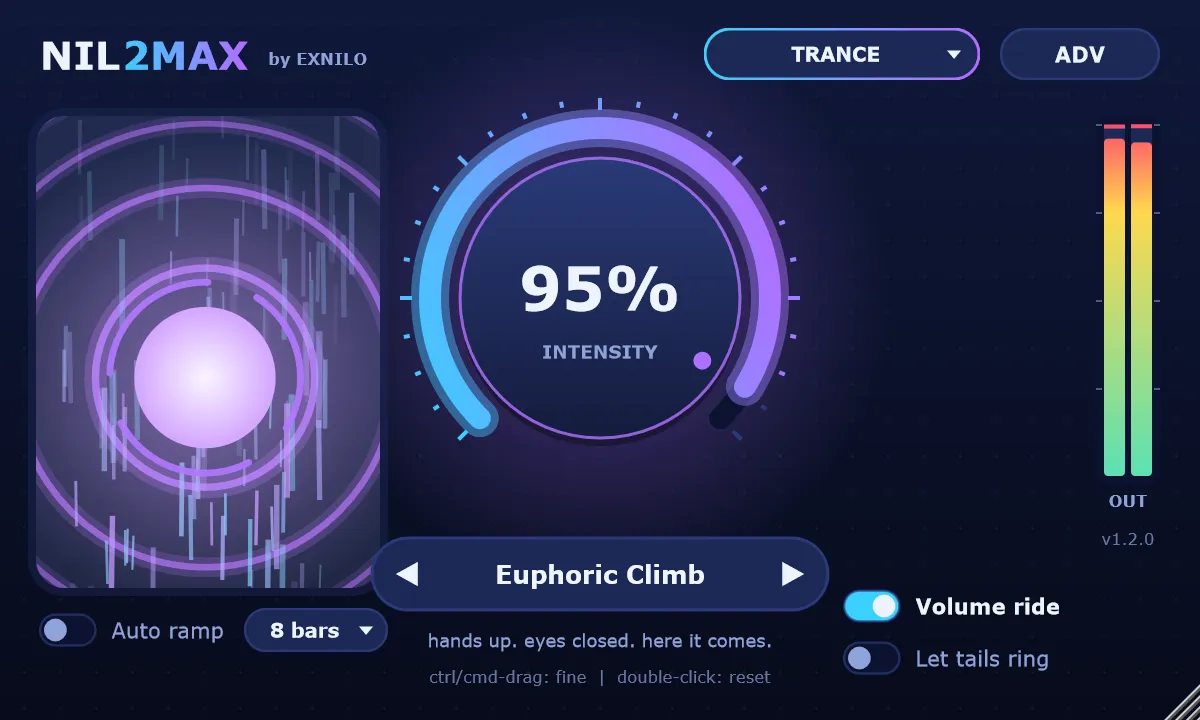
What the knob does
Everything rises together
Turn up INTENSITY and a whole chain moves at once, with every curve tuned so the effects work together instead of fighting.
Filter & EQ
A 12 or 24 dB high-pass with rising resonance thins out the low end, while shelves cut the mud and lift the top.
Drive
Saturation that adds grit and urgency as the tension climbs.
Noise riser
A white-noise whoosh whose band sweeps upward. It plays even over silence, and goes quiet when you stop the song.
Tempo stutter
A beat-locked gate that speeds up from quarter notes to 1/32s, smoothed so it never clicks.
Delay & reverb
Tempo-synced echoes and a big, washy reverb. Choose to cut the tails at the drop or let them ring.
Pitch rise & width
The whole build pitches up (to +12 semitones on the wildest presets) and spreads wider in stereo.
Clean in, clean out
Off means off
At 0% Nil2Max is a true bypass: your audio passes through bit for bit unchanged. When you pull the knob down, the build snaps back clean on the downbeat. A volume ride and a gentle soft clipper keep the build from going quiet or clipping on the way up.
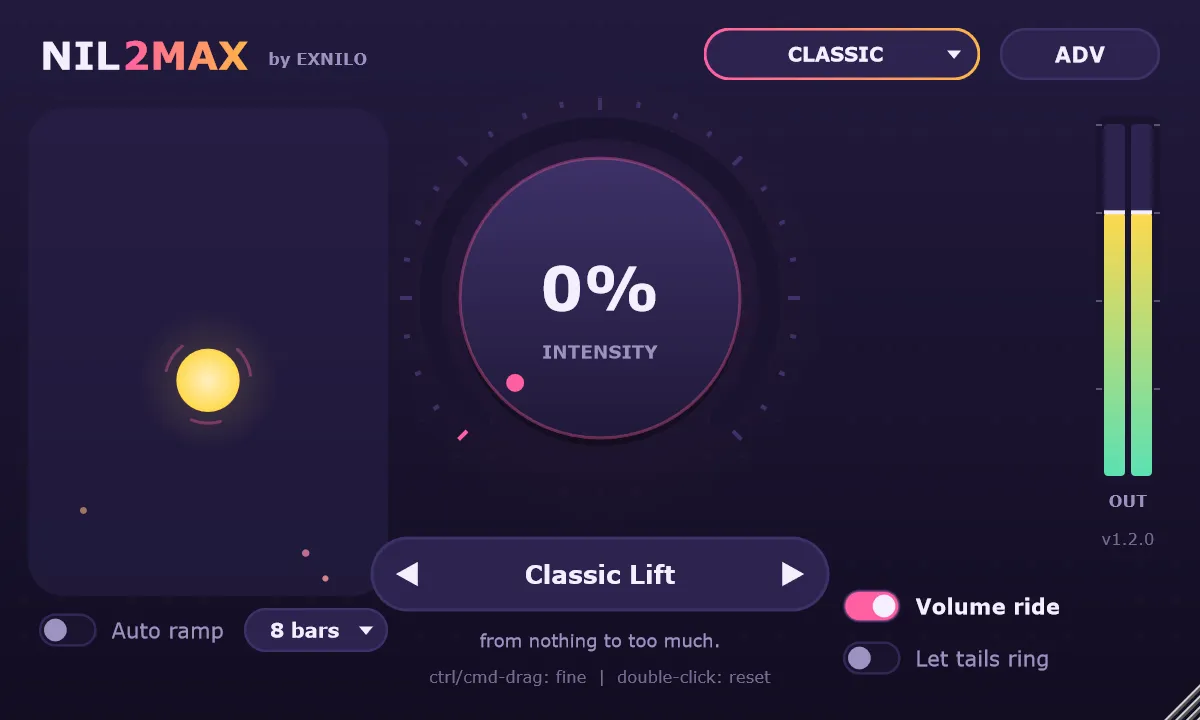
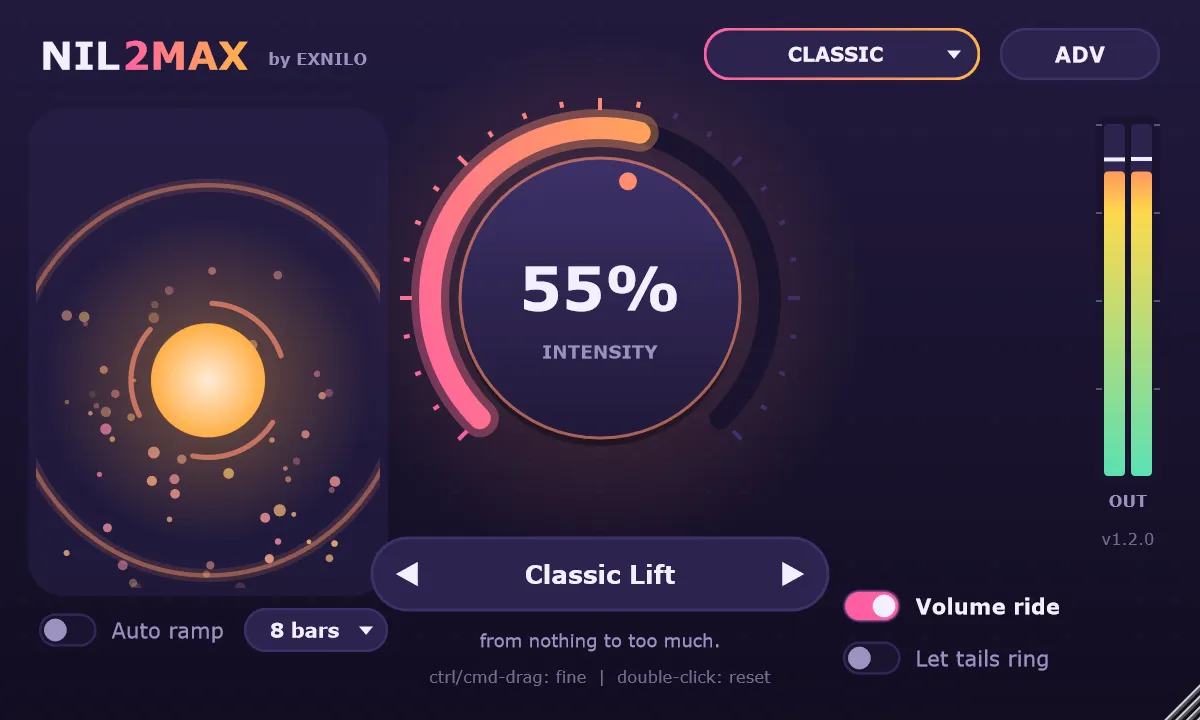
Auto ramp
No automation clip needed
Switch on Auto ramp, choose 4, 8, 16 or 32 bars and press play. Nil2Max ramps itself up from the bar where playback started and drops to zero exactly on the downbeat after the last bar. Pick a linear rise or a late surge that saves the big push for the end.
Advanced panel
Make any preset yours
Want less reverb or more pitch? Scale each effect (filter, EQ, delay, reverb, width, noise, stutter, drive and pitch) from 0 to 150% of the preset's design. Then save it as your own preset.
26 presets · 7 styles
A build for every genre
Classic all-rounders plus three presets each for House, Techno, Trance, Dubstep, Drum & Bass and Future Bass. Pick a genre and the plugin's look changes with it.

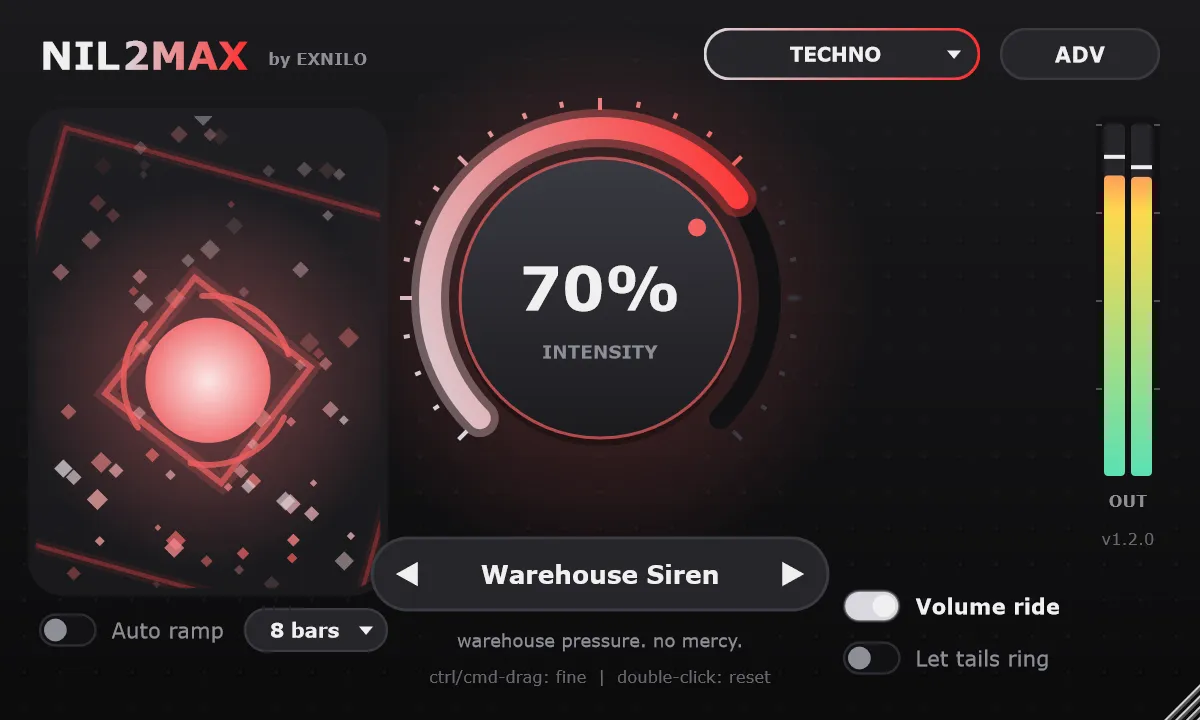
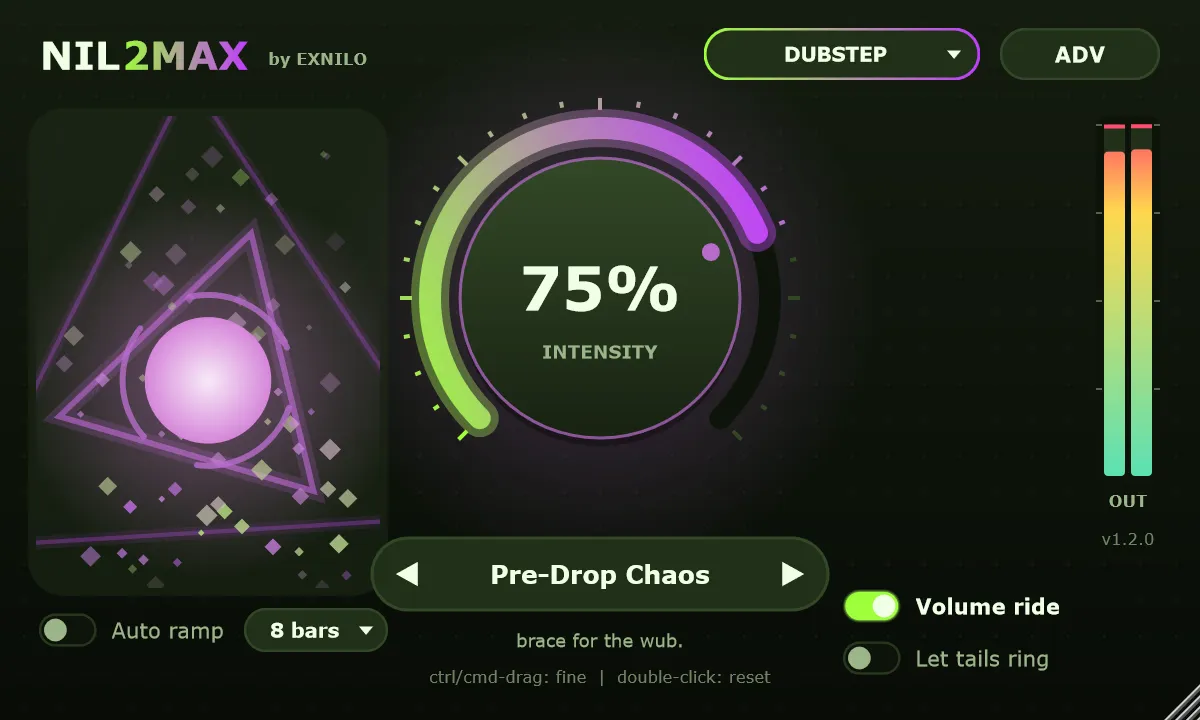
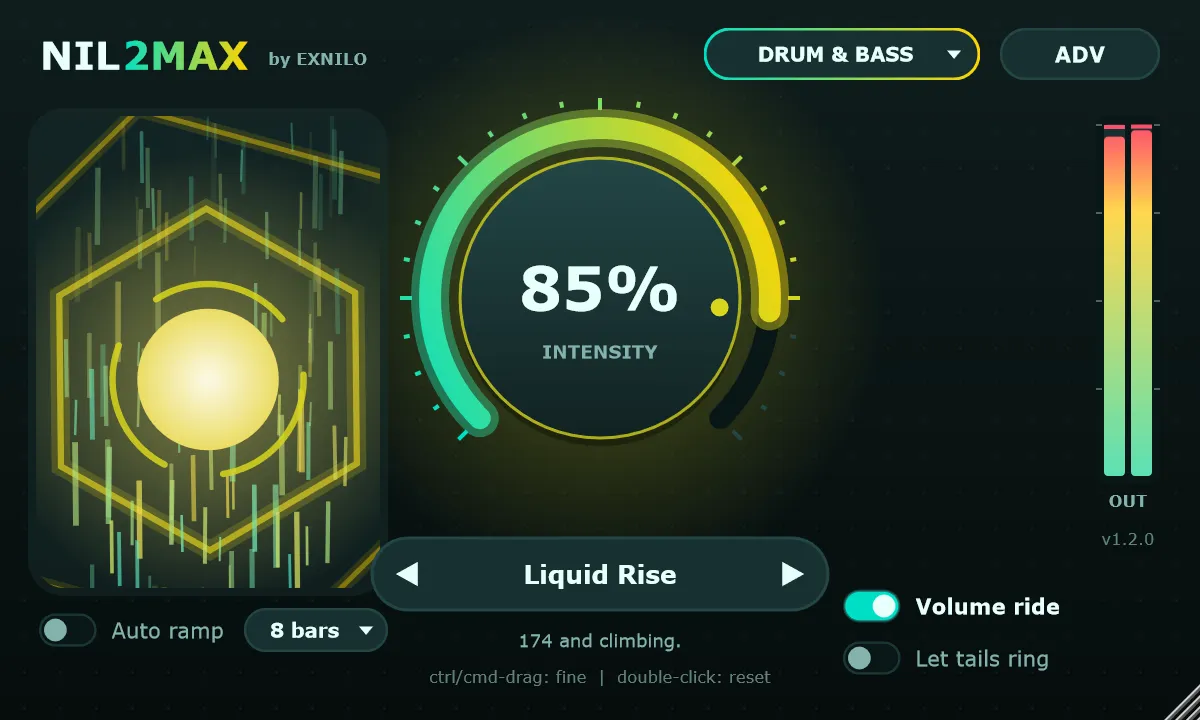
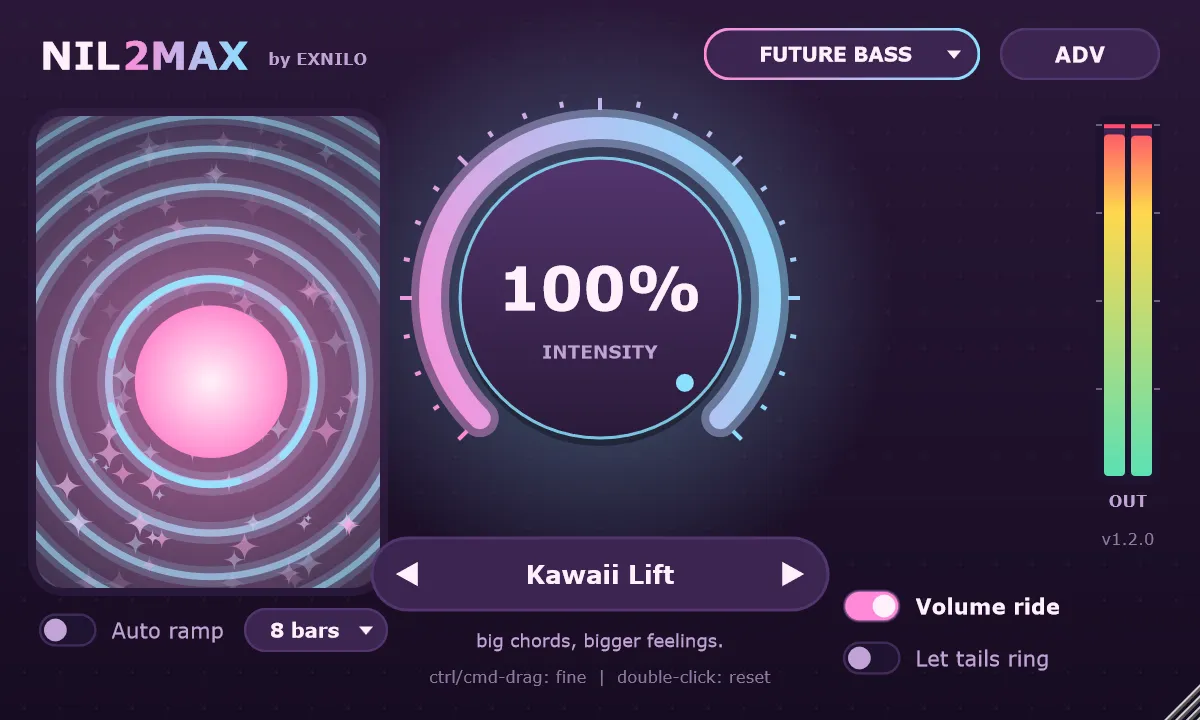
Trance
hands up. eyes closed. here it comes.
- Euphoric Climb
- Supersaw Ascension
- Uplifter 138
Get Nil2Max
Try it free. Buy when it earns its place.
The demo is the full plugin. The only catch: the audio drops out for 2 seconds every 40 seconds. Buy a licence and paste your key into the plugin to remove the dropouts, with no reinstall.
Version 1.2.0 · Windows 10/11, 64-bit, VST3 · macOS coming later · Not sure which download? See installing Nil2Max.
Details
| Format | VST3 plugin, plus a standalone app |
|---|---|
| System | Windows 10 or 11, 64-bit |
| Hosts | Any VST3 host: FL Studio, Ableton Live, Bitwig, Cubase, Studio One, Reaper and more |
| Channels | Stereo, mono, and mono to stereo |
| Interface | Resizable from 75% to 200% |
| Automatable | Intensity, preset, let tails ring, auto ramp |
| Licence | 2 computers, one-time online activation, works offline afterwards |
What you get
- 26 factory presets across 7 genre styles
- Auto ramp over 4, 8, 16 or 32 bars, locked to your DAW's tempo
- Advanced panel: scale each of 9 effects from 0 to 150%
- Save and recall your own presets
- True bypass at 0%, and a clean snap back at the drop
- Royalty-free: your music is 100% yours
Questions
Does it work in FL Studio?
Yes. Put Nil2Max on a mixer insert, then right-click the knob and choose Create automation clip. Or switch on Auto ramp and let it ride itself.
What's the difference between the demo and the full version?
Nothing except the dropouts: in demo mode the audio cuts out for 2 seconds every 40 seconds. Activating a licence removes them in the same installation.
Windows says "Windows protected your PC". Is it safe?
That's Windows SmartScreen being cautious about software from a new, independent developer. Click More info, then Run anyway. Or use the zip download instead: it's just the plugin folder, with no installer to run. See support for details.
Do I need to be online?
Only once, to activate your licence. After that Nil2Max works offline.
I've got a new computer. Can I move my licence?
Yes. In the plugin, click the NIL2MAX title, choose Deactivate this computer, then activate on the new one. Your licence covers 2 computers at a time.
Is there a Mac version?
Not yet. Nil2Max is Windows-only for now. A macOS (VST3 and Audio Unit) version is planned.
Can I get a refund?
Yes, within 14 days. Please try the demo first. See our refund policy.